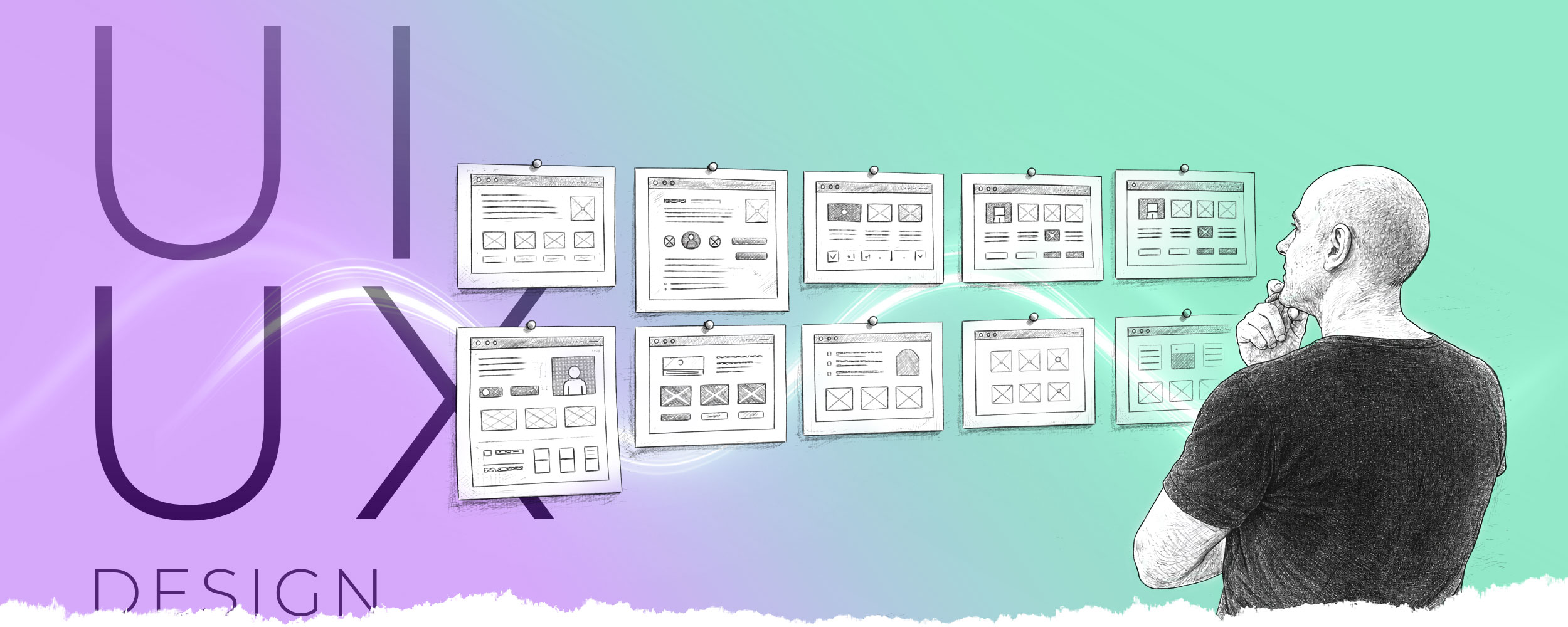
UI/UX Design
A clear and user-friendly interface makes a good impression
Display graphics, control panels, mobile apps, etc., are designed in close collaboration with software developers. The key focus in design is ensuring that the user interface’s logical structure and graphics are clear, informative and guide the user’s actions. A good user interface ensures the application is used effectively, boosts customer satisfaction and also strengthens the developer’s brand.
Are you planning to develop your own app, or some other system that requires a graphical user interface?
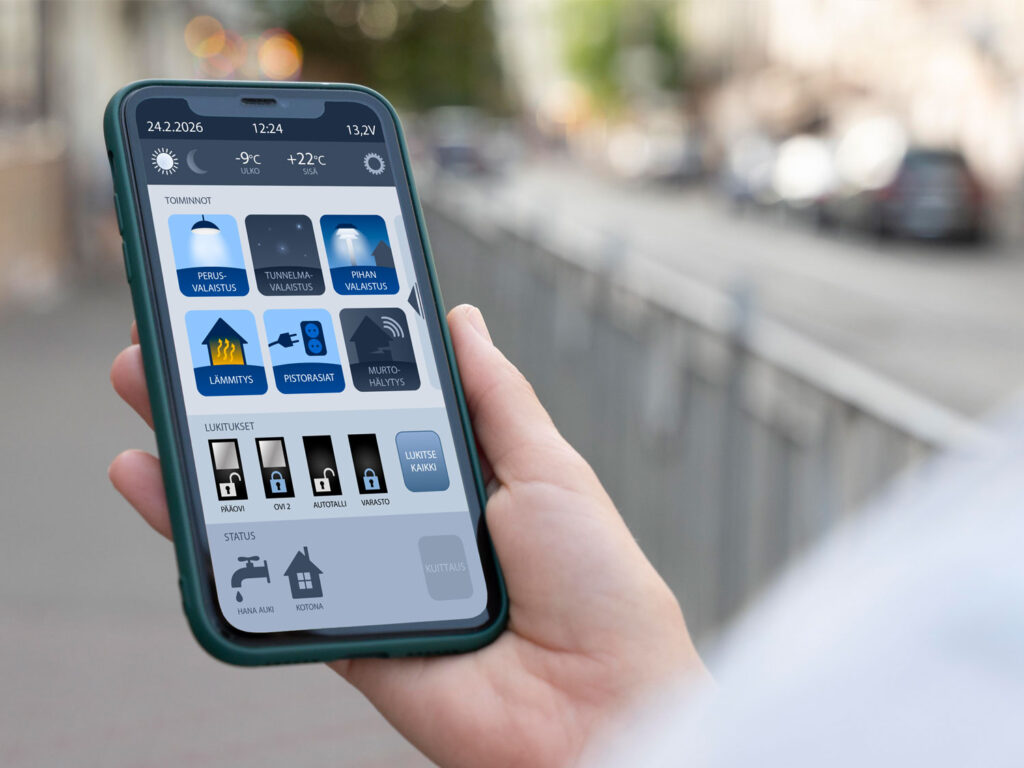
Application graphics
The logical and visual design of mobile apps, touchscreens and other on-screen user interfaces is a key factor in the user experience. If you need a skilled UI/UX designer for your project, please get in touch.
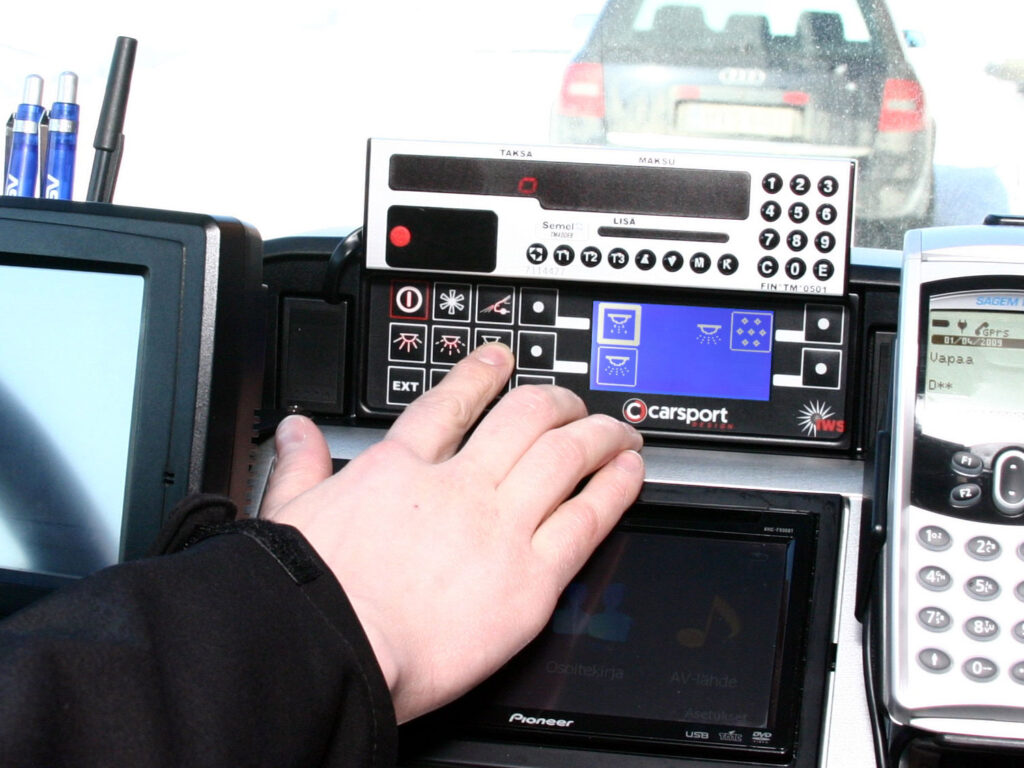
Control panel graphics
Despite the widespread adoption of touchscreens, in many situations the traditional control panel with physical buttons remains the preferred choice. We have years of experience in designing control panels.

Manuals and user guides
Even the best user interface requires a user manual to be complete. The user manual must be absolutely clear and simple, whilst ensuring that all relevant scenarios affecting its use are covered. A user manual can be a one-page quick guide or a comprehensive document running to dozens of pages.
If you have a product that needs an instruction manual, please get in touch with us.
Frequently asked questions
Do you design mobile apps?
Yes, in collaboration with our clients’ programmers. We do not take overall responsibility for app projects, but rather contribute our expertise to our clients’ projects. We do not specify app requirements, design functionalities or write code. Our expertise is limited to visual design, which ensures a good user experience and a look and feel in line with the brand. In addition, we offer the implementation of user guides as a complete package.
We want a custom app for our business. Can you help us create one?
End-to-end application development usually requires a specialist software house. We can act as their partner, contributing our own expertise to the design process.
What is the difference between UI and UX?
UI = User Interface refers to the interface through which the user interacts with technology, such as an app or a system. Examples of such interfaces include control panels, display panels and app screens. In Finnish, the term ‘käyttöliittymä’ is commonly used.
UX is a psychological concept and refers to the user’s experience when using, for example, a mobile app or a website.
UI and UX are closely linked, as a good user interface (UI) usually results in a good user experience (UX). When designing, for example, the user interface for a vehicle’s electrical system, we always aim to design it so that the user has clear paths to follow through the menus, and so that symbols and other available information provide the user with exactly the information needed in each situation. This way, the user does not find themselves in a situation where they do not know which button to press. The system is easy to use, resulting in a positive user experience, or UX.
How can you design a user interface or user guide if you’re not familiar with our products?
Not quite – not yet. The design of both the user interface and the user manual always involves close collaboration with the rest of the project team. For example, when designing the user interface, we usually work closely with the programmers. The client’s input is also important, as it provides the usability requirements. The user manuals are also developed in collaboration with the product designers and users.
Our role in these projects is:
- Present the content in such a way that it is easy for the customer to read and understand.
- Visualise the message and create the necessary graphic elements, symbols, colour scheme, typography, layouts, etc.
- Make your company’s brand visible in these media.
- Formats the material for publication online and as a printed document.